> For the complete documentation index, see [llms.txt](https://docs.speedtest-tracker.dev/llms.txt). Markdown versions of documentation pages are available by appending `.md` to page URLs; this page is available as [Markdown](https://docs.speedtest-tracker.dev/settings/data-platforms/prometheus.md).
# Prometheus
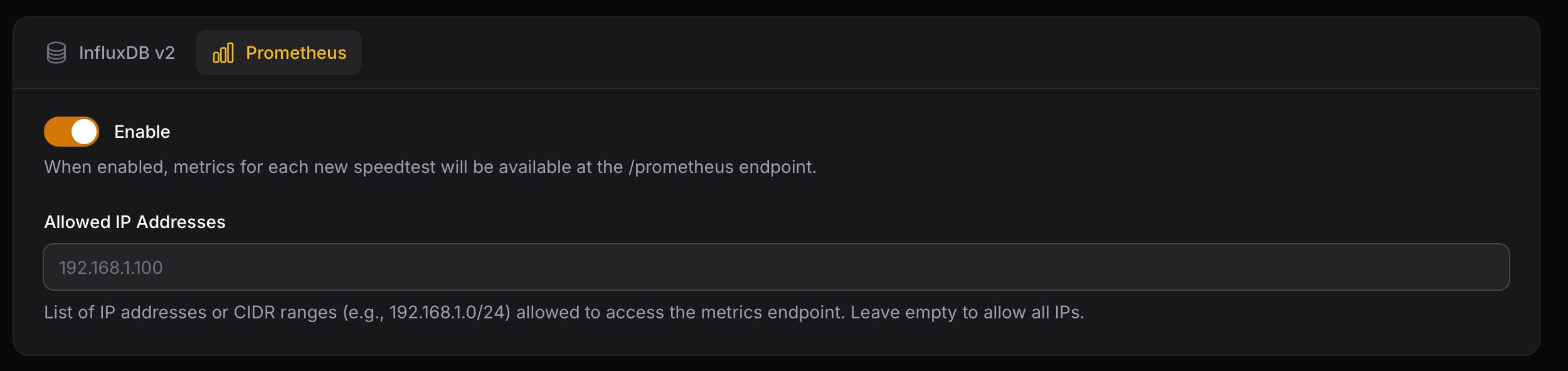
After each test, Speedtest Tracker exposes the metrics for Prometheus to scrape. For long term storage or custom visualizations.
### Allowed IPs
You can configure the Prometheus endpoint so it’s only accessible from specific IP addresses or networks. This can include single IPs or entire CIDR ranges.
### Grafana Dashboard
You can use this community made Grafana Dashboard to visualize your data.
{% embed url="" %}
### Data pattern
Speedtest Tracker exports data in two categories: labels and metrics. Labels are used for filtering, while metrics are used for displaying data.
Name
app_name
label
isp
label
server_id
label
server_name
label
server_country
label
server_location
label
healthy
label
status
label
scheduled
label
download_bytes
Metric
upload_bytes
Metric
ping
Metric
download_bits
Metric
upload_bits
Metric
download_jitter
Metric
upload_jitter
Metric
ping_jitter
Metric
download_latency_avg
Metric
download_latency_high
Metric
download_latency_low
Metric
upload_latency_avg
Metric
upload_latency_high
Metric
upload_latency_low
Metric
packet_loss
Metric
### Prometheus Scrape Config
Below is an example Prometheus scrape configuration:
```yaml
scrape_configs:
- job_name: 'speedtest-tracker'
scrape_interval: 60s # Adjust to your set schedule
scrape_timeout: 10s
metrics_path: /prometheus
static_configs:
- targets: ['speedtest-tracker.local']
```